Login Interface
The RGuard login page provides secure access to the ReceiveGuard portal for Admin Group users.
Access URL
Open a web browser and navigate to the RGuard portal address provided by VNETWORK. The portal is hosted on a different URL from SGuard, since each product has its own administrator portal.
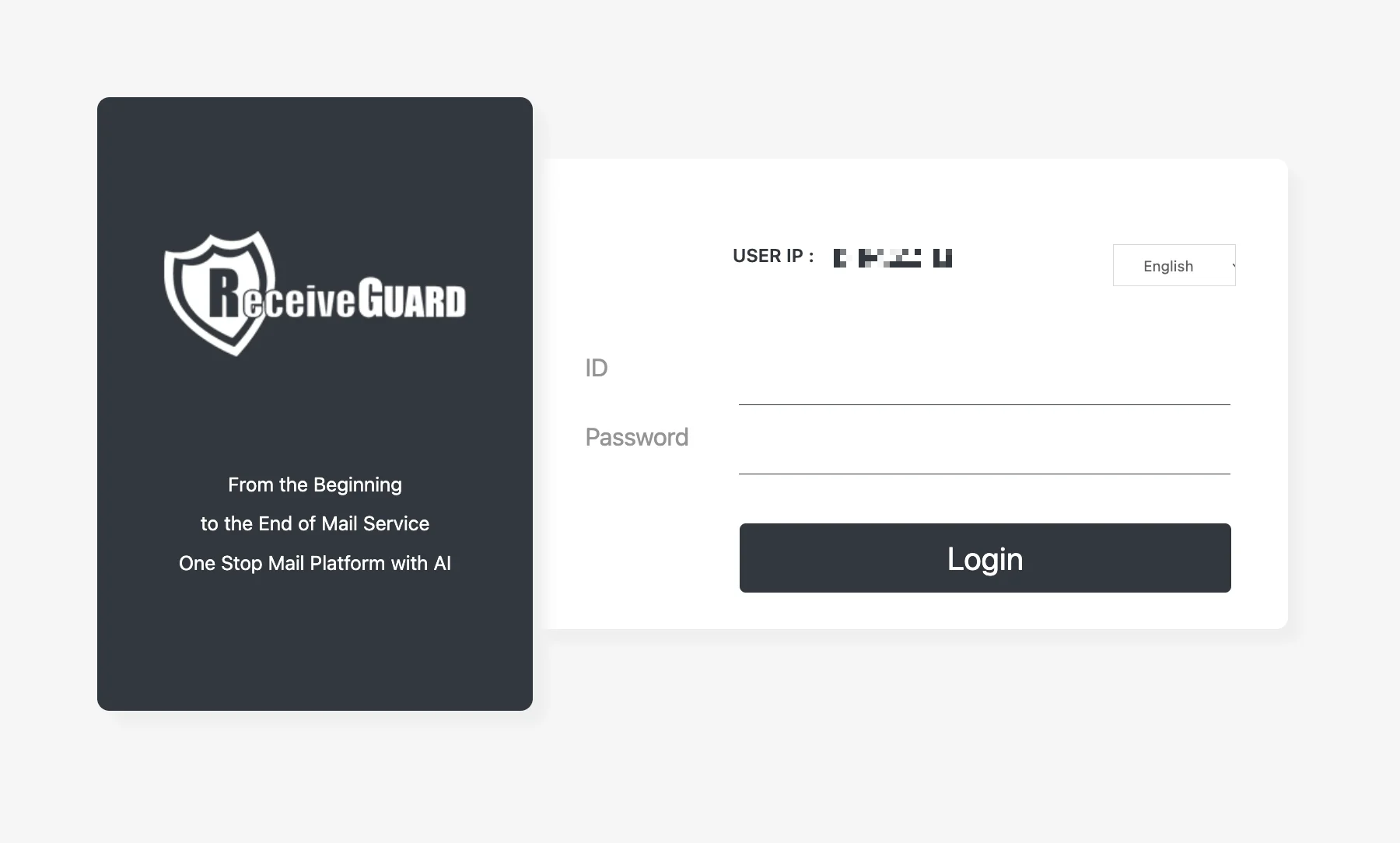
The left panel of the login page carries the ReceiveGUARD brand and the product tagline "From the Beginning to the End of Mail Service — One Stop Mail Platform with AI". The right panel carries the actual login form.
Interface Components
User IP
The page displays the public IP address currently used to access the portal. Administrators should verify that this IP belongs to a trusted network, as RGuard can restrict admin access to allowlisted IP ranges.
Language
The language selector in the top-right corner of the form allows the interface to be displayed in the preferred language.
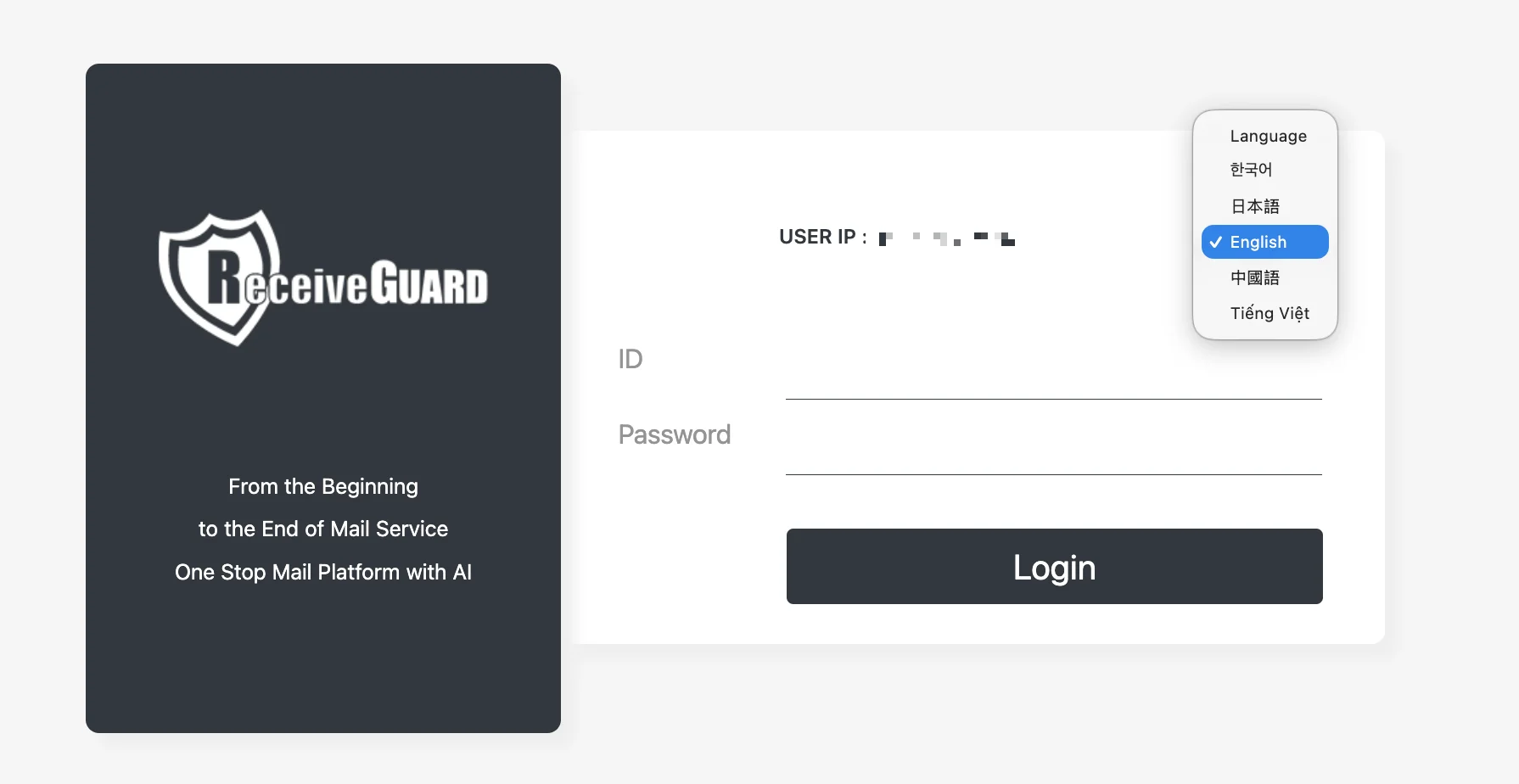
Click the language button to open the dropdown and choose one of the supported languages.
Currently supported languages:
- English
- Korean (한국어)
- Japanese (日本語)
- Chinese (中國語)
- Vietnamese (Tiếng Việt)
Login Credentials
| Field | Description |
|---|---|
| ID | The administrator account name provided by VNETWORK |
| Password | The password issued together with the account |
After entering the credentials, click Login to enter the portal.
If the password is forgotten, it cannot be retrieved. Contact the VNETWORK administrator to request a password reset.
Change the password regularly and avoid reusing passwords across other systems. Simple or predictable passwords can be compromised easily.
RGuard is a separate product from SGuard and uses different credentials. Signing in to one portal does not sign you in to the other, even when the same person administers both.