Login Interface
The SGuard login page provides secure access to the email security platform for Admin Group users.
Access URL
Open a web browser and navigate to the following address:
https://sguard.vnetwork.vn/sguard
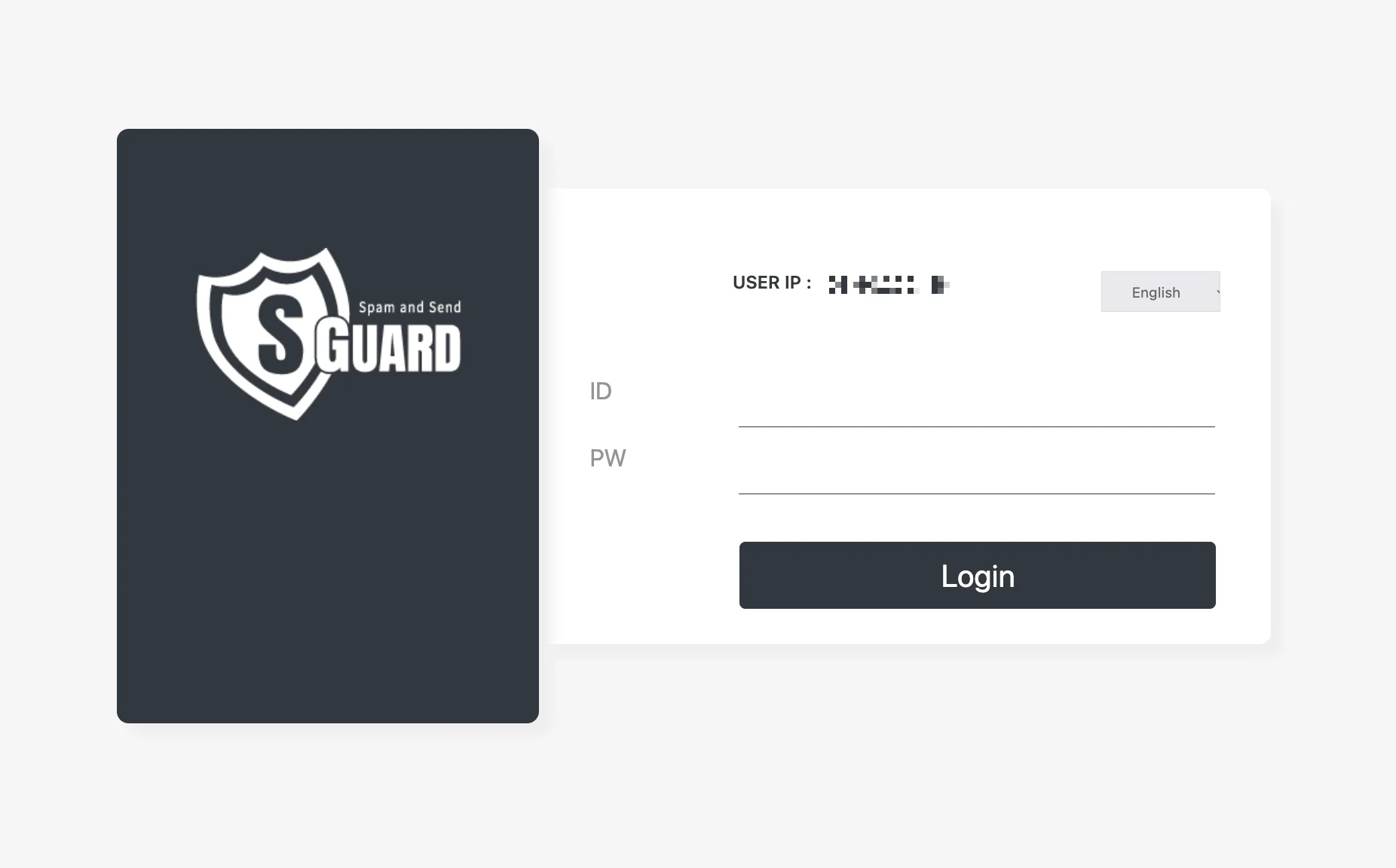
Interface Components
User IP
The page displays the public IP address currently used to access the portal. Administrators should verify that this IP belongs to a trusted network, as SGuard can restrict admin access to allowlisted IP ranges.
Language
The language selector in the top-right corner allows the interface to be displayed in the preferred language.
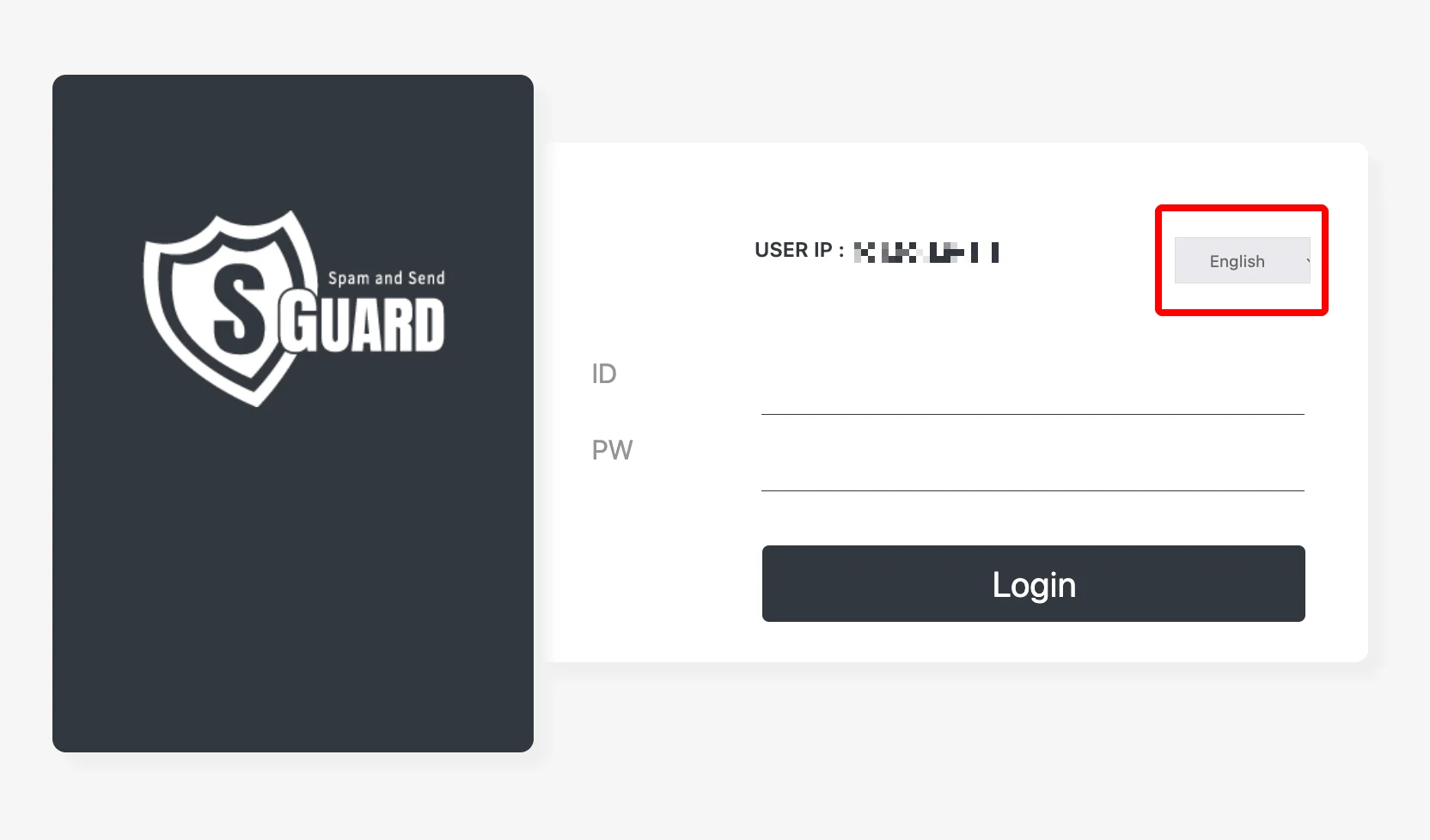
Click the language button to open the dropdown and choose one of the supported languages.
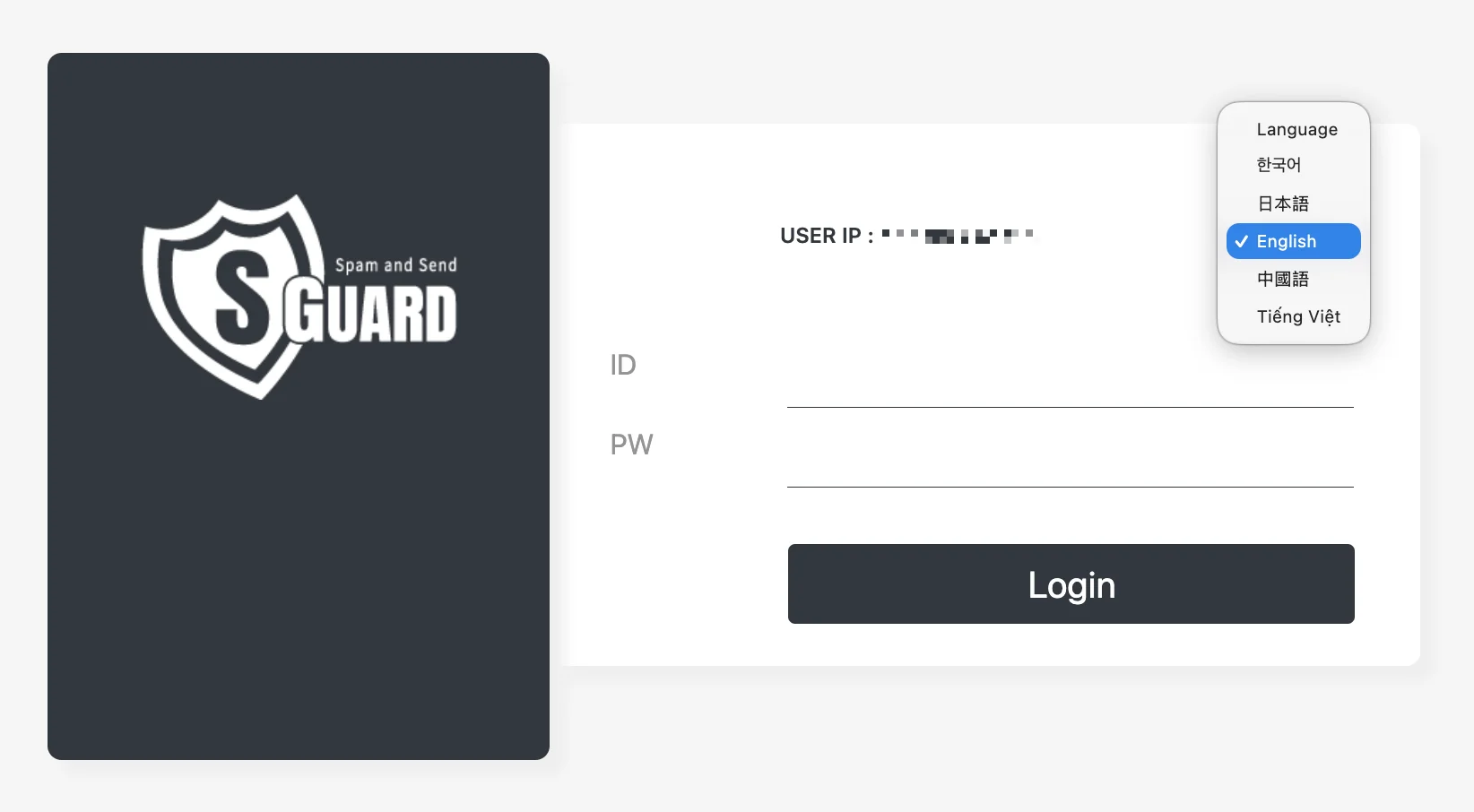
Currently supported languages:
- English
- Korean
- Japanese
- Vietnamese
- Chinese
Login Credentials
| Field | Description |
|---|---|
| ID | The administrator account name provided by VNETWORK |
| PW | The initial password issued together with the account |
After entering the credentials, click Login to enter the portal.
First-Time Password Setup
When signing in for the first time, the system automatically redirects to the Set new password screen. A new password must be created before the platform becomes accessible.
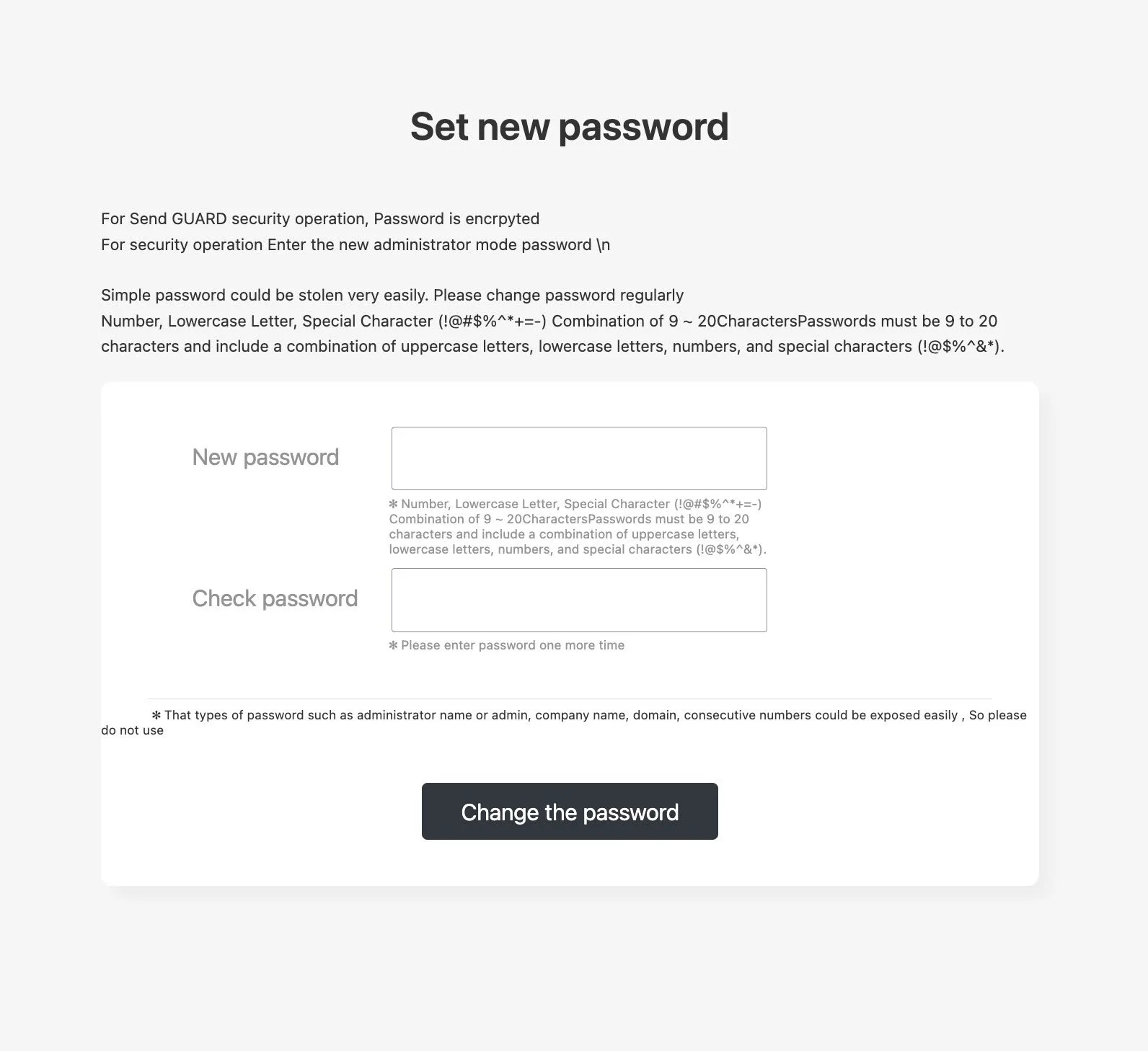
Password Requirements
The new password must follow the security policy below:
- Length between 9 and 20 characters
- Must combine uppercase letters, lowercase letters, numbers, and special characters (
!@#$%^*+=-) - Must not contain the administrator name, the word
admin, the company name, the domain name, or consecutive numbers
Steps to Change the Password
- Enter the new password in the New password field.
- Re-enter the same password in the Check password field for confirmation.
- Click Change the password to apply the new credentials.
After the password is updated successfully, the system returns to the login screen. Sign in again using the new password.
If the password is forgotten, it cannot be retrieved. Contact the VNETWORK administrator to request a password reset.
Change the password regularly and avoid reusing passwords across other systems. Simple or predictable passwords can be compromised easily.