Query Stream Alerts
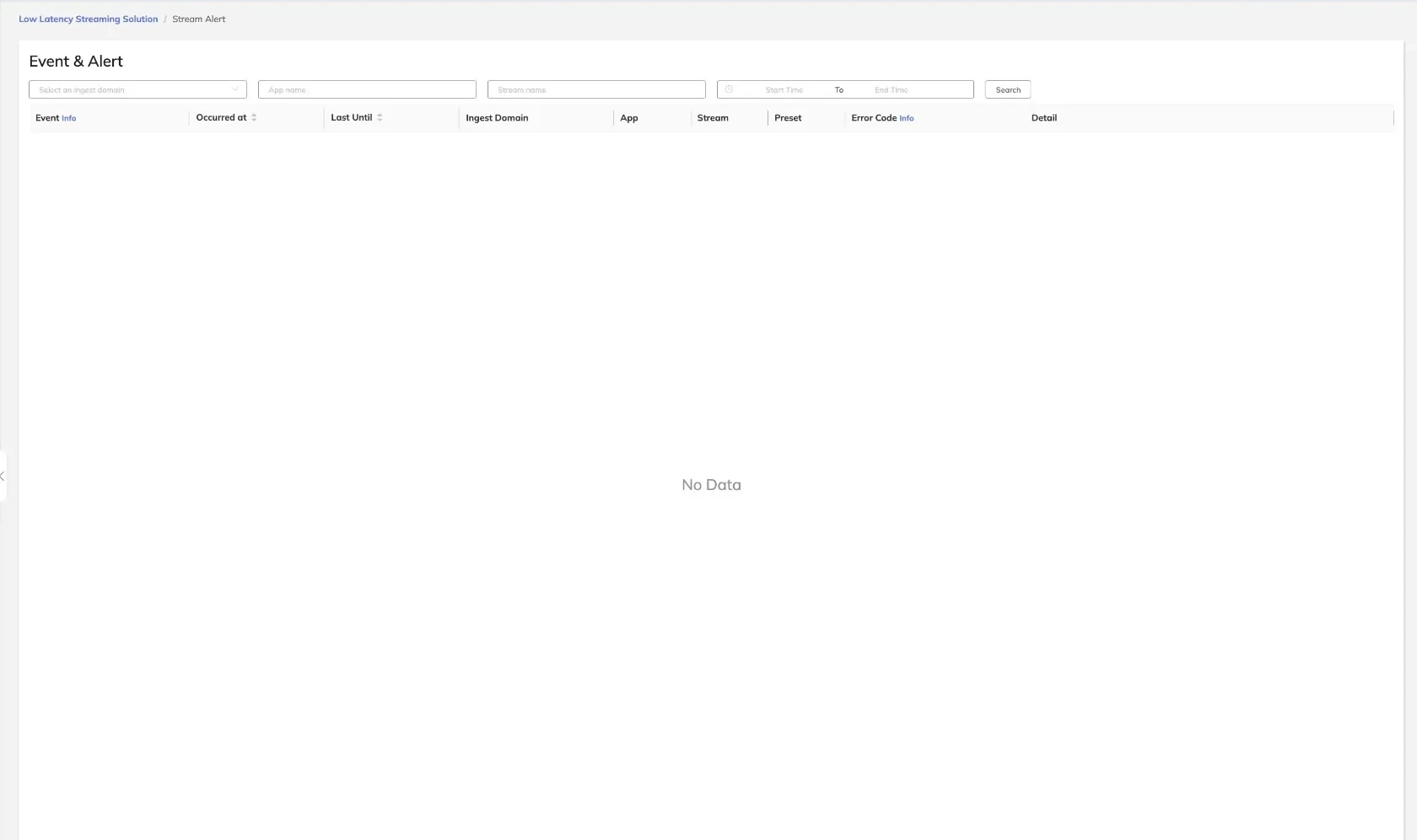
The Stream Alerts view provides access to the event and alert history for all streams. Each record captures a platform-generated event or alert associated with a specific stream session, along with the error code and supporting diagnostic detail. Operators use this view to investigate stream quality issues, diagnose ingest failures, and audit platform behavior.
Alert Types
The platform generates two categories of records:
- Event — Informational records that document significant lifecycle transitions, such as stream connect or disconnect.
- Alert — Records that indicate a condition requiring attention, such as bitrate instability, frame drop, or codec mismatch.
Filtering Alerts
The following filters are available to narrow the alert list:
| Filter | Description |
|---|---|
| Ingest Domain | Limit results to alerts associated with a specific ingest domain |
| App Name | Filter by the application name associated with the stream |
| Stream Name | Filter to a specific stream by name |
| Time Range | Restrict results to alerts occurring within a specified start and end time |
Apply one or more filters and submit the query to refresh the results.
Alert List Columns
| Column | Description |
|---|---|
| Event | The event or alert type, with an Info icon for additional context |
| Occurred at | The timestamp when the event or alert was first recorded |
| Last Until | The timestamp when the condition last persisted or was resolved |
| Ingest Domain | The ingest domain associated with the affected stream |
| App | The application name for the affected stream |
| Stream | The name of the affected stream |
| Preset | The transcoding preset active at the time of the event |
| Error Code | The platform error code, with an Info icon linking to error reference detail |
| Detail | A human-readable description of the event or alert condition |
Click the Info icon next to the Error Code column to view the full error reference, including common causes and recommended remediation steps.
A high frequency of alerts for a single stream within a short time range may indicate an upstream encoder configuration problem, network instability, or a misconfigured transcoding preset.