List Streams
The Streams list displays all stream sessions known to the platform, including streams that are currently active and streams from past sessions. Operators use this view to verify stream health, retrieve ingest and delivery URLs, and identify streams that require intervention.
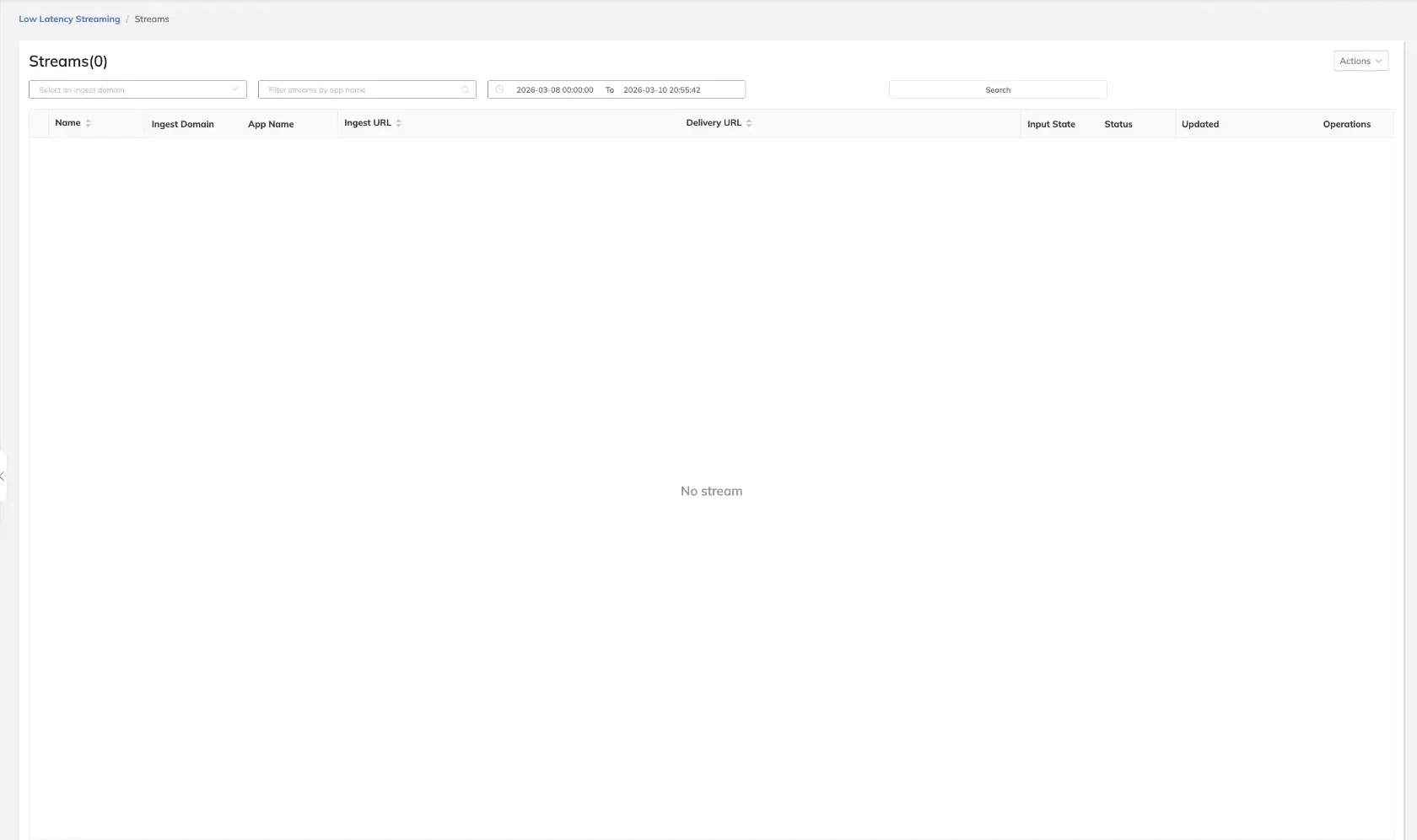
Filtering Streams
The following filters are available to narrow the stream list:
| Filter | Description |
|---|---|
| Ingest Domain | Limit results to streams arriving on a specific ingest domain |
| App Name | Filter by the application name associated with the stream |
| Time Range | Restrict results to streams active within a specified start and end time |
Apply one or more filters and submit the query to refresh the list.
Stream List Columns
| Column | Description |
|---|---|
| Name | The stream name as provided in the ingest URL |
| Ingest Domain | The domain on which the stream was received |
| App Name | The application context for the stream |
| Ingest URL | The full URL used by the encoder to push the stream |
| Delivery URL | The playback URL for consuming the processed stream |
| Input State | The current state of the encoder connection (e.g., Connected, Disconnected) |
| Status | The processing status of the stream (e.g., Active, Idle, Banned) |
| Updated | Timestamp of the most recent state change for the stream |
| Operations | Available actions for the stream (e.g., Reset, Ban, Unban) |
Real-time vs Historical Streams
- Real-time streams — Streams with an active ingest connection at the time of the query. These reflect the current state of the encoder and processing pipeline.
- Historical streams — Streams whose ingest session has ended. These records are available for auditing, troubleshooting, and reporting purposes.
tip
Use the Time Range filter when investigating a past incident to retrieve only the streams active during the affected window, reducing noise from unrelated sessions.