Media Processing Management
Media Processing Management provides the tools required to control how ingested streams are processed, encoded, stored, and captured. Operators configure reusable building blocks — presets and templates — that the platform applies automatically when a matching stream arrives.
Overview
The media processing pipeline consists of four configurable components:
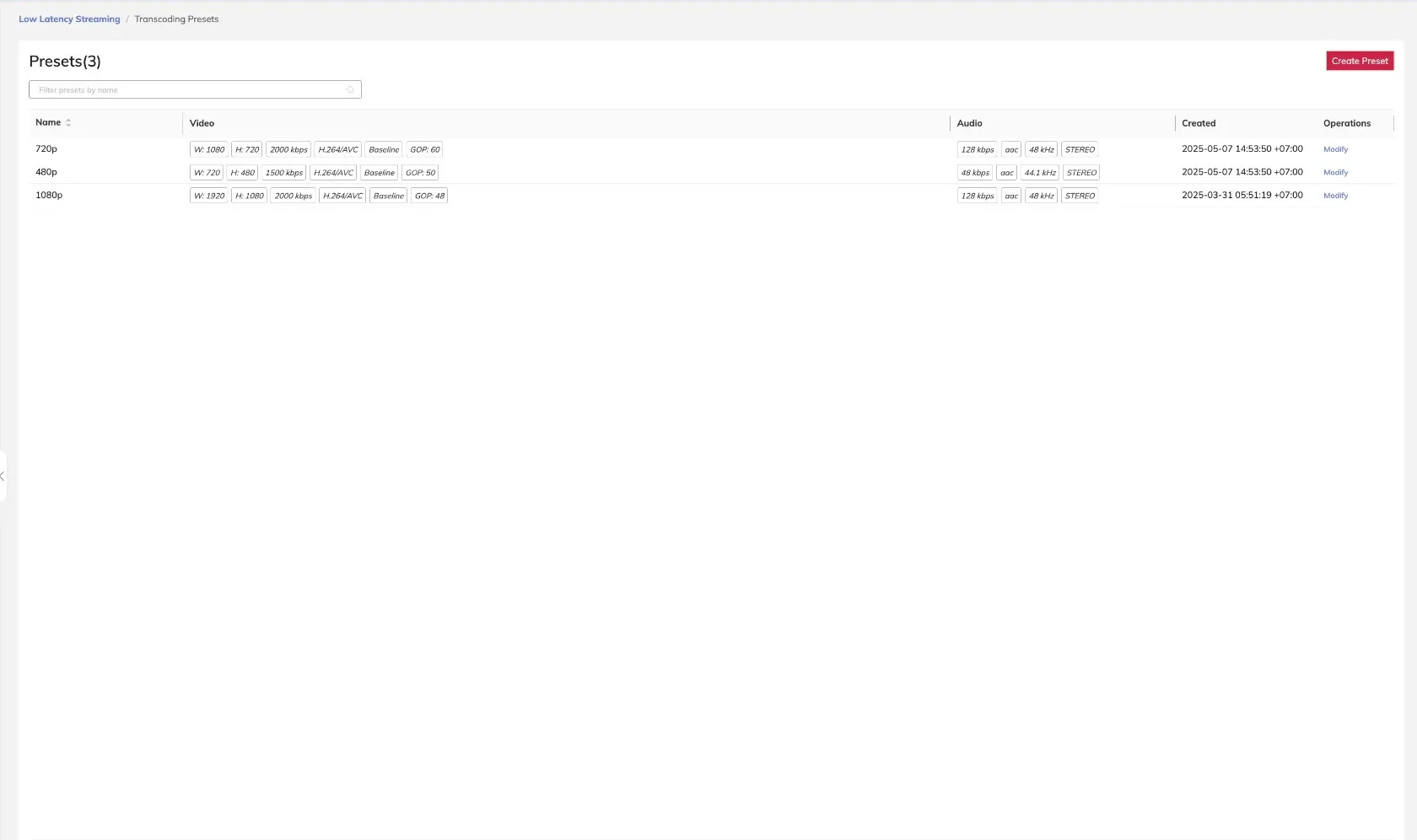
- Transcoding Presets — Define the video and audio encoding parameters applied to a stream, including codec, bitrate, resolution, frame rate, and GOP size.
- Transcoding Templates — Associate an ingest domain and delivery protocol with one or more transcoding presets, determining how a stream is processed and delivered.
- Recording Templates — Specify how live streams are captured to storage, including the output format and file path structure.
- Screenshot Templates — Configure automated image capture from live streams at defined intervals, producing stills in the specified format and storage path.
Sub-topics
- Transcoding Presets - Define video and audio encoding parameters for stream output profiles
- Transcoding Templates - Link ingest domains and delivery protocols to one or more transcoding presets
- Recording Templates - Configure live stream recording format and storage path
- Screenshot Templates - Set up automated still image capture from live streams