Filter
The Filter module contains every rule used by the SGuard filtering engine. Rules are organized into two sections — Inbound Filter and Outbound Filter — that mirror the direction of the mail traffic they apply to.
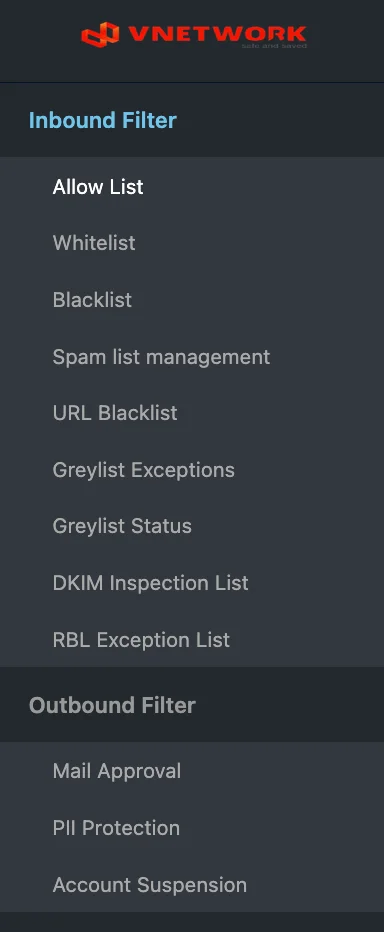
Module Structure
| Section | Rule count | Purpose |
|---|---|---|
| Inbound Filter | 9 | Rules applied to messages received from external senders |
| Outbound Filter | 3 | Rules applied to messages sent from internal users |
Topics
- Inbound Filter — Allow List, Whitelist, Blacklist, Spam list management, URL Blacklist, Greylist Exceptions, Greylist Status, DKIM Inspection List, RBL Exception List
- Outbound Filter — Mail Approval, PII Protection, Account Suspension
info
Filter rules complement the global settings configured in the Settings module. Settings define how SGuard inspects traffic; filters define which senders, domains, content, or URLs are explicitly allowed or blocked.