Transcoding Templates
A transcoding template binds an ingest domain and delivery protocol to one or more transcoding presets. When a stream matching the template's domain, application, and stream name pattern is received, the platform applies the associated presets to produce the configured output renditions.
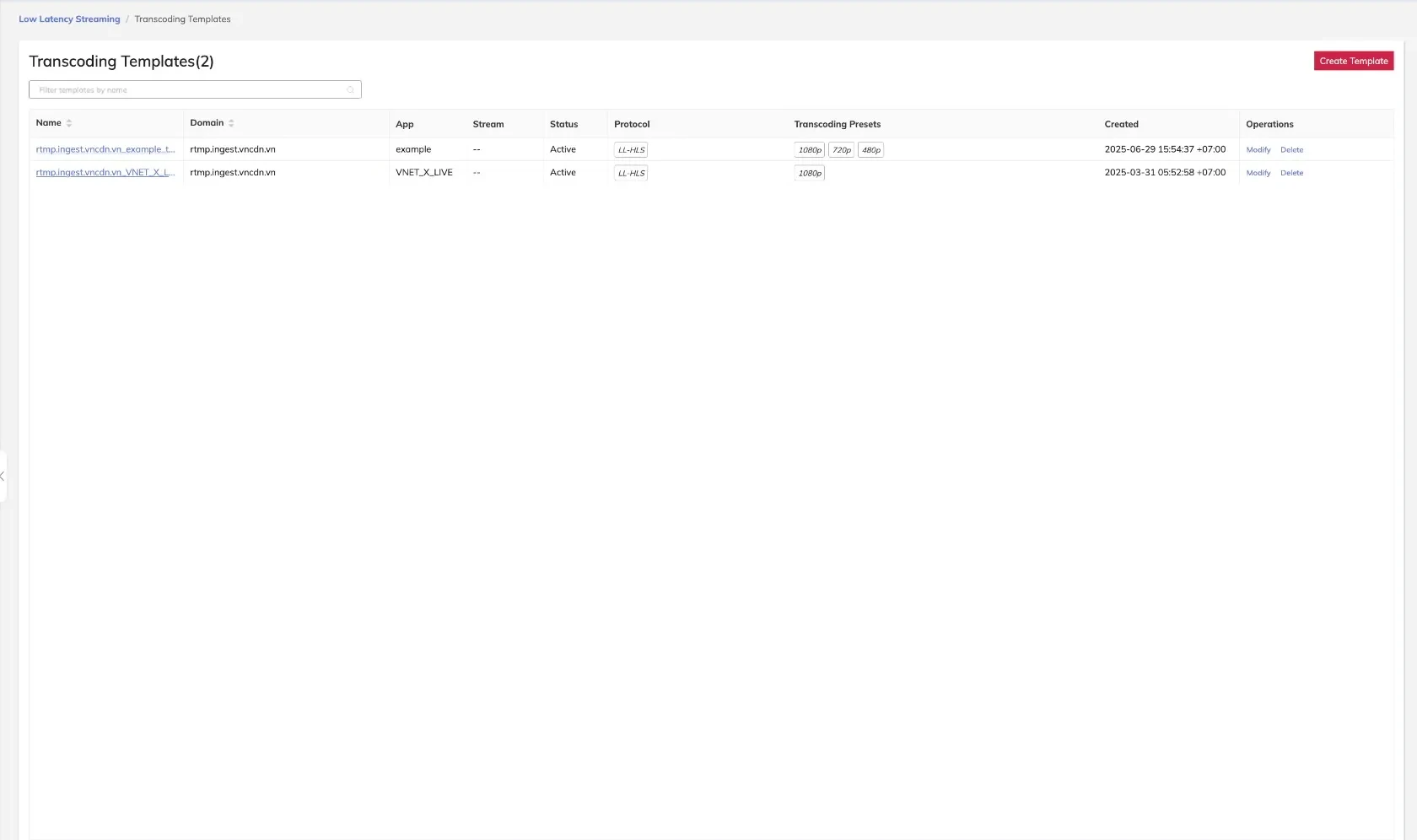
The example above shows two configured templates, each targeting a specific domain and set of presets delivered over LL-HLS.
Template List Columns
| Column | Description |
|---|---|
| Name | Unique identifier for the template |
| Domain | The ingest domain this template applies to |
| App | The application name scope (supports wildcards) |
| Stream | The stream name scope (supports wildcards) |
| Status | Whether the template is enabled or disabled |
| Protocol | The delivery protocol for processed output (e.g., LL-HLS) |
| Transcoding Presets | The presets attached to this template |
| Created | Timestamp when the template was created |
| Operations | Available actions: Modify or Delete |
Creating a Transcoding Template
- Navigate to Media Processing > Transcoding Templates.
- Click Add Template.
- Enter a unique template name.
- Select the target Ingest Domain.
- Specify the App and Stream name patterns.
- Select the Delivery Protocol.
- Attach one or more Transcoding Presets.
- Set the template Status to enabled or disabled.
- Click Save.
Use wildcard patterns in the App and Stream fields to apply a template broadly across multiple streams within a domain, reducing the need for per-stream configuration.
Modifying a Transcoding Template
- Locate the template in the list.
- Click Modify in the Operations column.
- Update the required fields.
- Click Save.
Changes to a template take effect on the next stream ingest or pipeline reset. Streams currently in progress are not immediately affected.
Deleting a Transcoding Template
- Locate the template in the list.
- Click Delete in the Operations column.
- Confirm the deletion when prompted.
Deleting a template does not affect the transcoding presets it referenced. Those presets remain available for use in other templates.