Create a Channel
Create a channel and complete the required configurations for OTT live streaming.

Steps
- Enter the channel name, support a-z, 0-9, and _ (underscore).
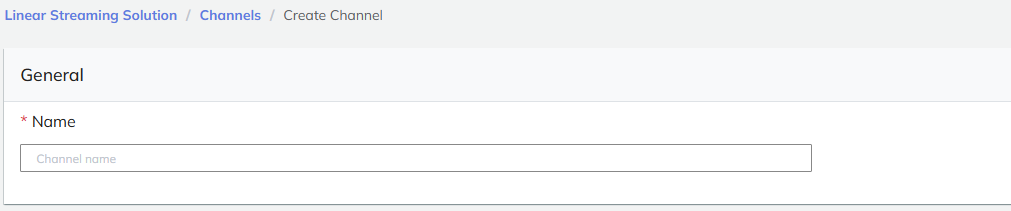
- Click Create Input to configure the input.

-
Complete the Input Configuration.
-
Click Create Output to configure media processing or select an existing media processing configuration.

-
Complete the Media Processing Configuration.
-
Click Create Delivery to configure content delivery or select an existing delivery configuration.

-
Complete the Delivery Management configuration.
-
Click Create Channel to submit all configurations.

caution
If not submitted, all previous configurations will not be saved.