IAM policies & roles
IAM lets you grant scoped access to your storage instead of sharing the root account's access keys. You write policies (JSON permission documents) and attach them to roles (assumable identities with a trust policy).
Policies
The Policies page lists your managed policies — Name, Type (AWS managed / Customer managed), Attachments count and Updated date. Filter by type.
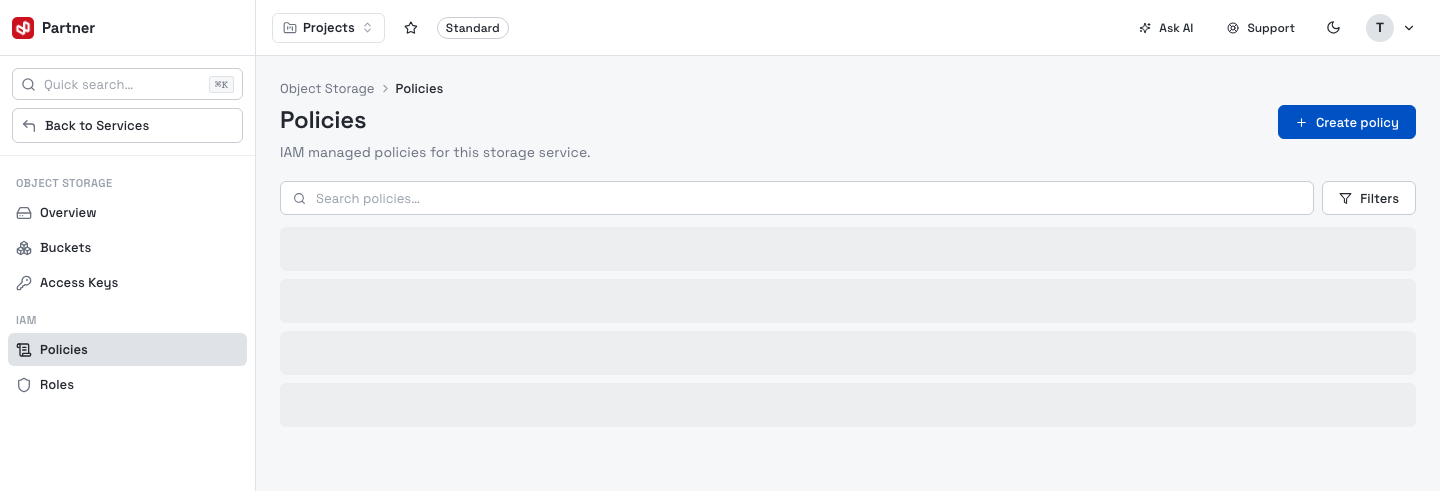
Create a policy
Create policy starts from a Quick template (Read-only, Read & write, Full access, List buckets only, Single bucket read & write) which prefills the JSON — then tweak the document and name it.
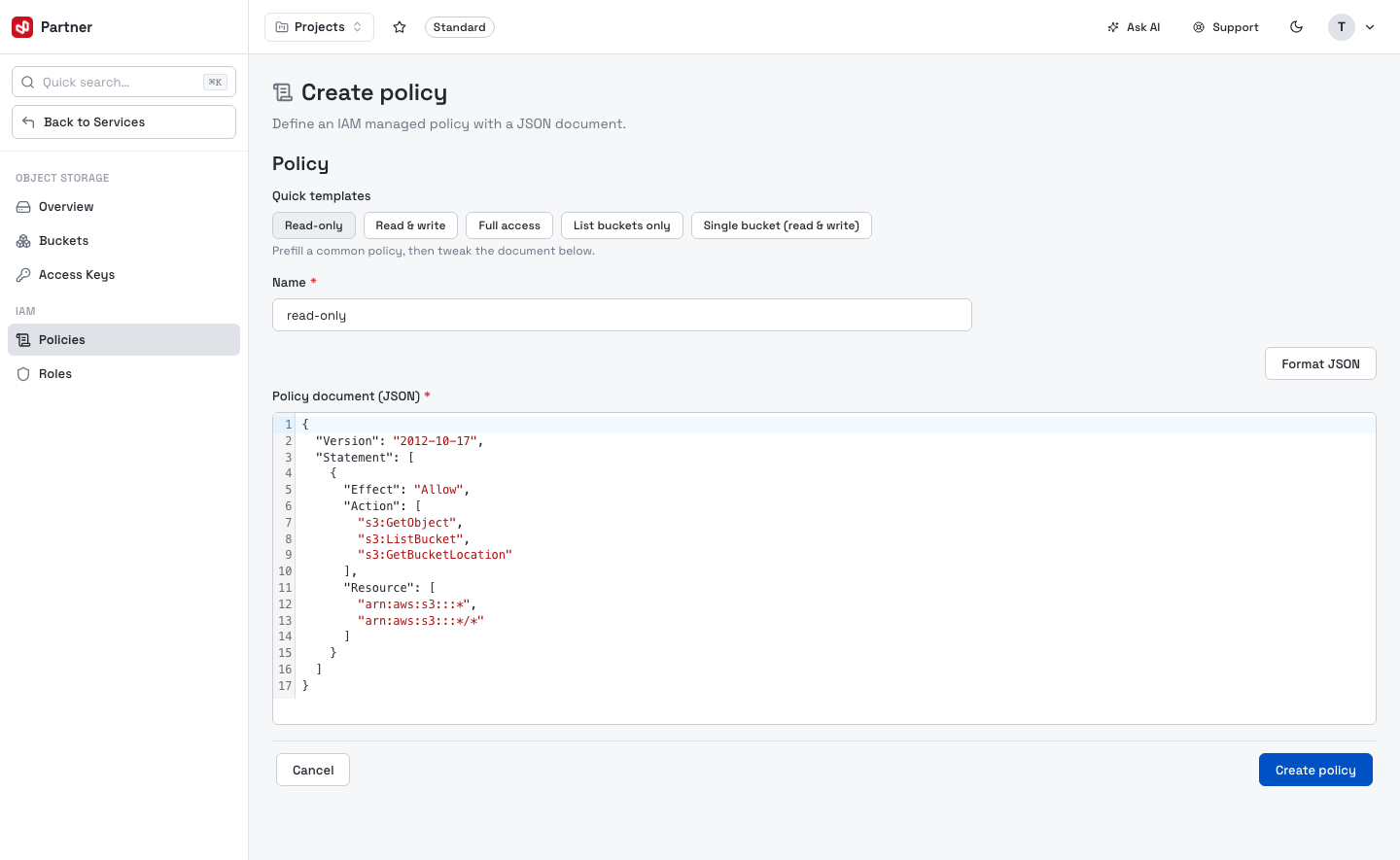
- Name — 1–128 chars (letters, digits and
+ = , . @ - _). - Policy document (JSON) — a standard IAM policy; Format JSON tidies it and validates.
A policy's detail page shows its type, ARN, what it's attached to, and the document (editable for customer-managed policies). AWS-managed policies are read-only. Deleting a customer-managed policy is permanent.
Roles
A role grants temporary access to whoever can assume it. The Roles page lists them by Name and Created.
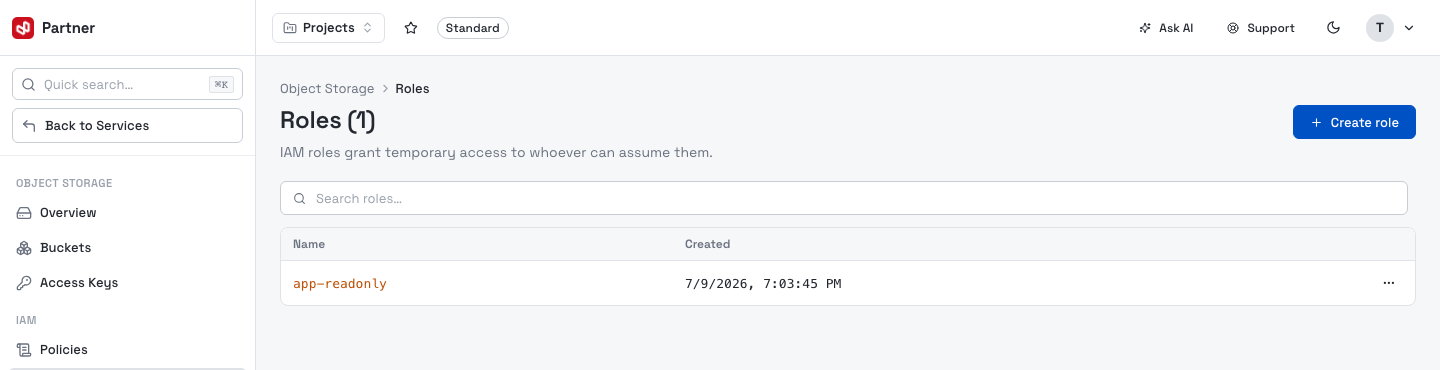
Create a role
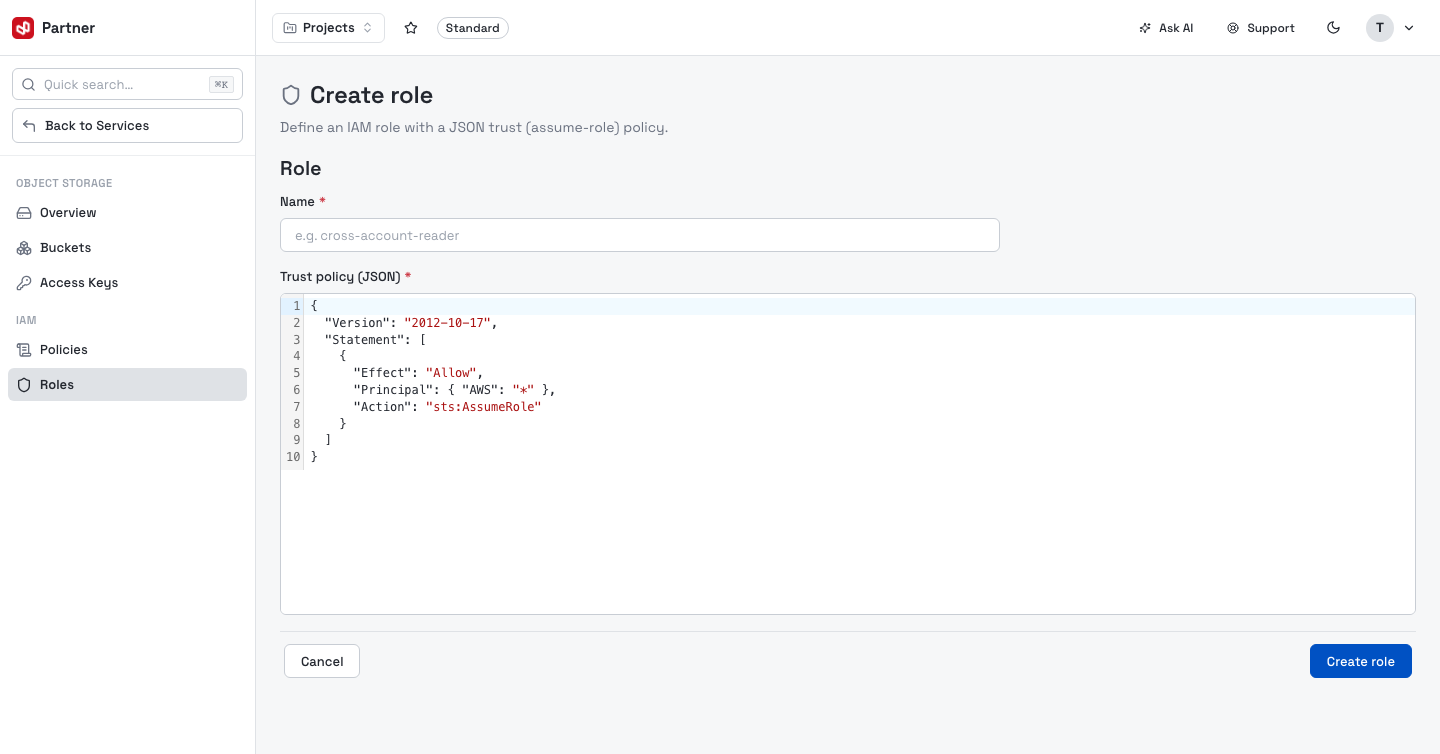
Create role takes a Name and a Trust policy (JSON) — the assume-role document that says who may assume the role (pre-filled with a sensible default).
A role's detail page shows its trust policy and lets you attach / detach managed policies (which define what the role can do once assumed).
Model it like AWS IAM: policies answer "what actions on which resources", roles answer "who may assume this and get those permissions". Grant the least privilege that works — start from Read-only and widen only as needed.