Website configuration
Once a website is onboarded, open it from Websites → your domain to reach its configuration — a set of tabs that control how the edge delivers and protects that site: Configuration · Origin · Access Control · Cache Control · Redirection · SSL Certificate · CORS Header · Purge · Prefetch. Each tab has its own Save.
Configuration
The basics of the site.
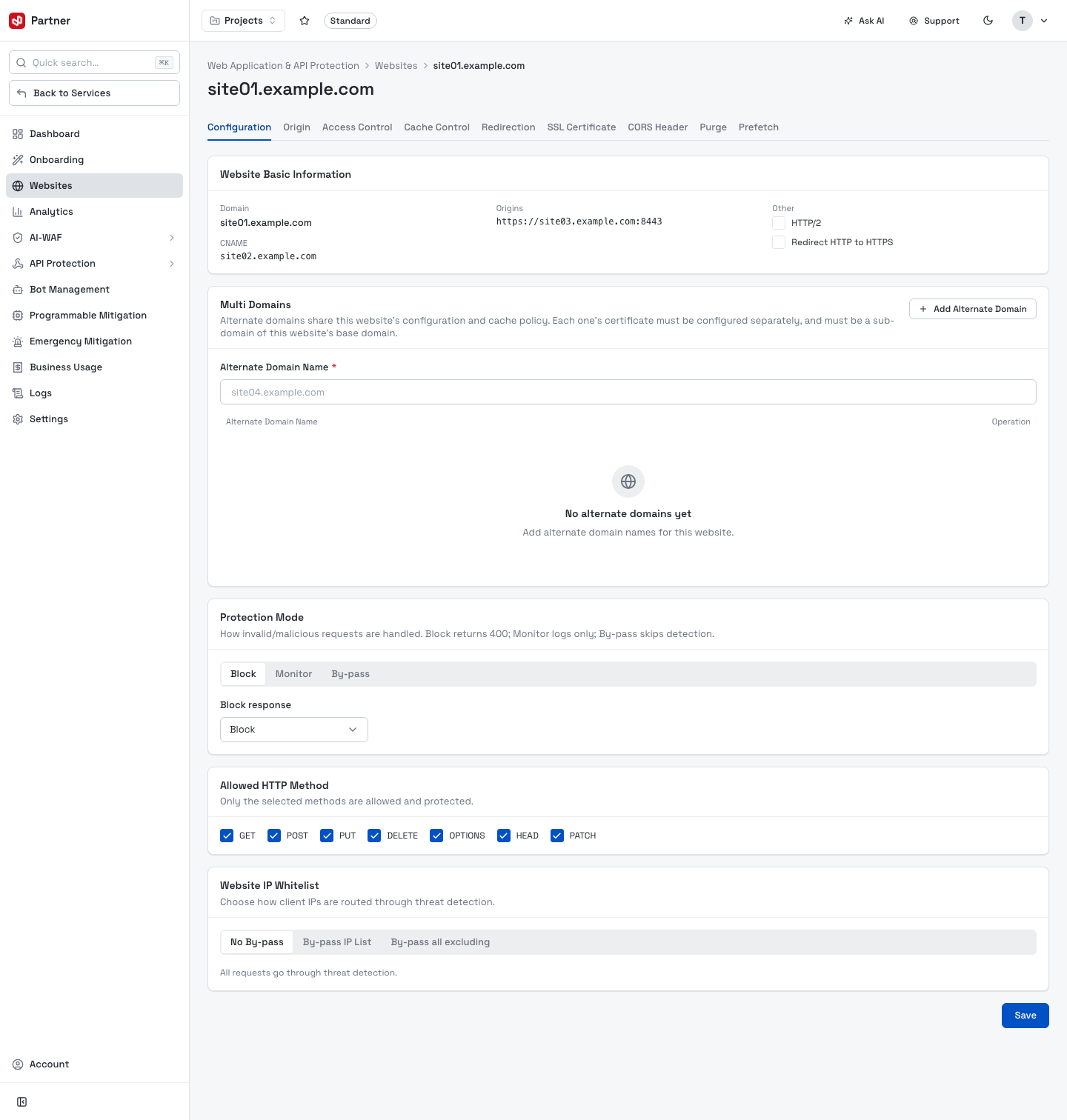
- Website Basic Information — the Domain, its Origins, the CNAME to point DNS at, and toggles (HTTP/2, Redirect HTTP to HTTPS).
- Multi Domains — add alternate domains that share this website's configuration and cache policy (each must be a sub-domain of the base domain and have its own certificate).
- Protection Mode — how invalid/malicious requests are handled: Block (returns 400), Monitor (logs only), or By-pass (skips detection).
- Allowed HTTP Method — only the ticked methods (GET/POST/PUT/DELETE/OPTIONS/HEAD/PATCH) are allowed.
- Website IP Whitelist — how client IPs are routed through threat detection: No By-pass, By-pass IP List, or By-pass all excluding.
Origin
Where and how the edge fetches from your servers.
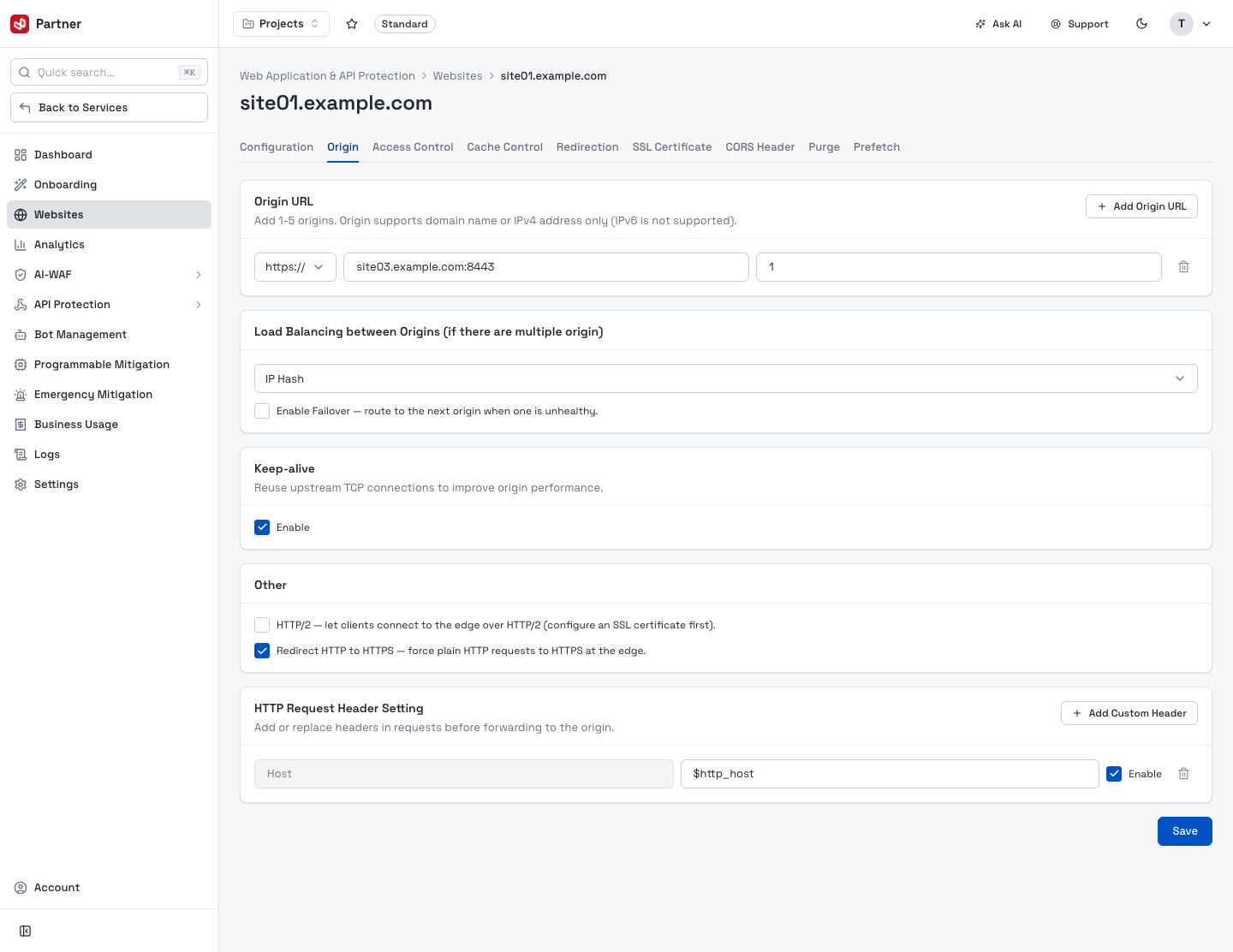
- Origin URL — add 1–5 origins (domain or IPv4; IPv6 not supported), each with a scheme, host:port and weight.
- Load Balancing between Origins — the algorithm (e.g. IP Hash) and Enable Failover to route to the next origin when one is unhealthy.
- Keep-alive — reuse upstream TCP connections to improve origin performance.
- Other — HTTP/2 and Redirect HTTP to HTTPS.
- HTTP Request Header Setting — add or replace headers before forwarding to the origin
(e.g.
Host = $http_host).
Access Control
Allow / deny / token-secured access by URL path, IP and geo.
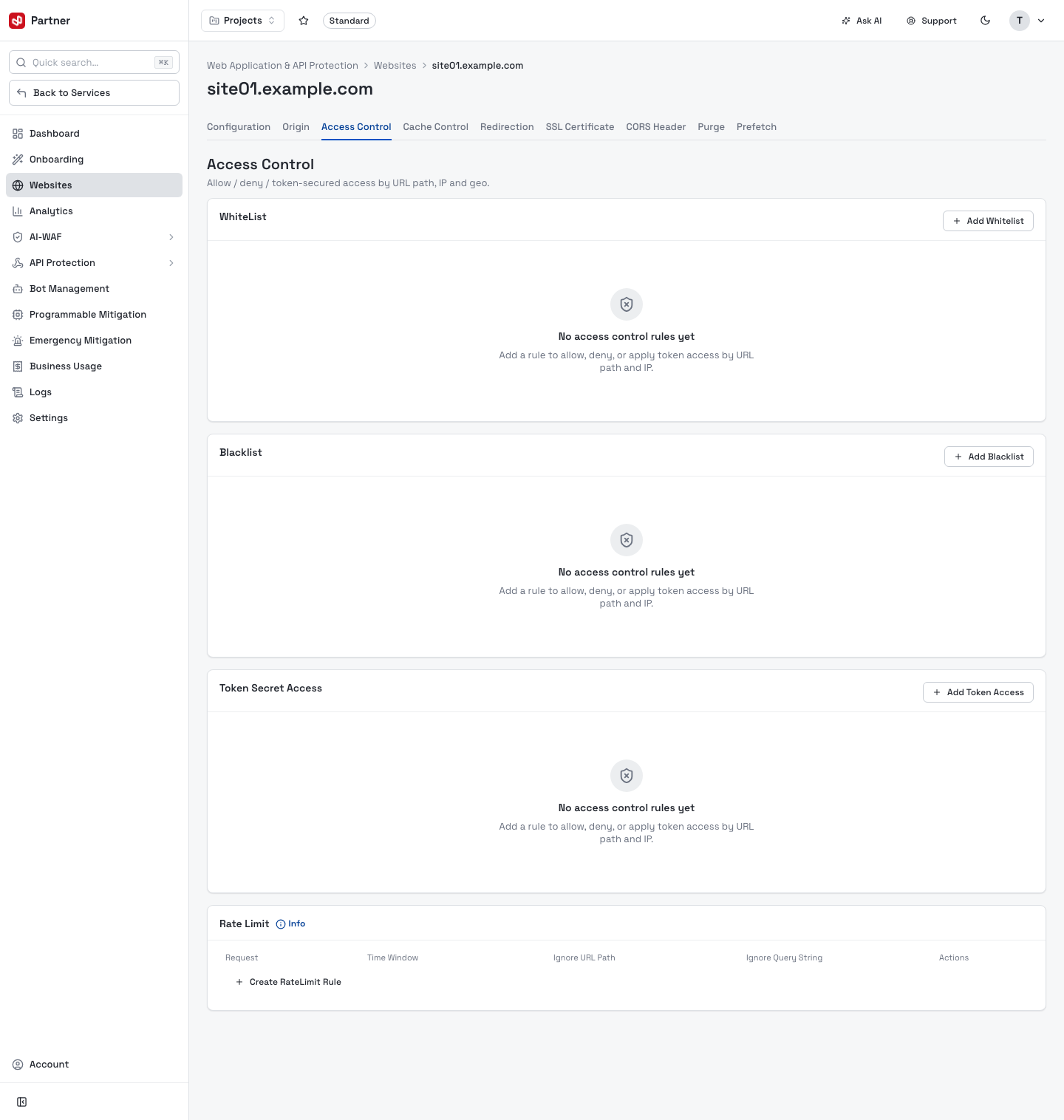
- WhiteList / Blacklist — allow or block rules by URL path and IP.
- Token Secret Access — protect paths with signed tokens: the edge serves a path only when the request carries a valid, unexpired HMAC-signed token, else returns 403. Your backend signs each request with the secret generated here. For the token-generation schemes (HMAC signing, time window, path/ACL scope) see Signed URL tokens.
- Rate Limit — create rules (Request count per Time Window, with options to ignore URL path / query string) to throttle abusive clients.
Cache Control
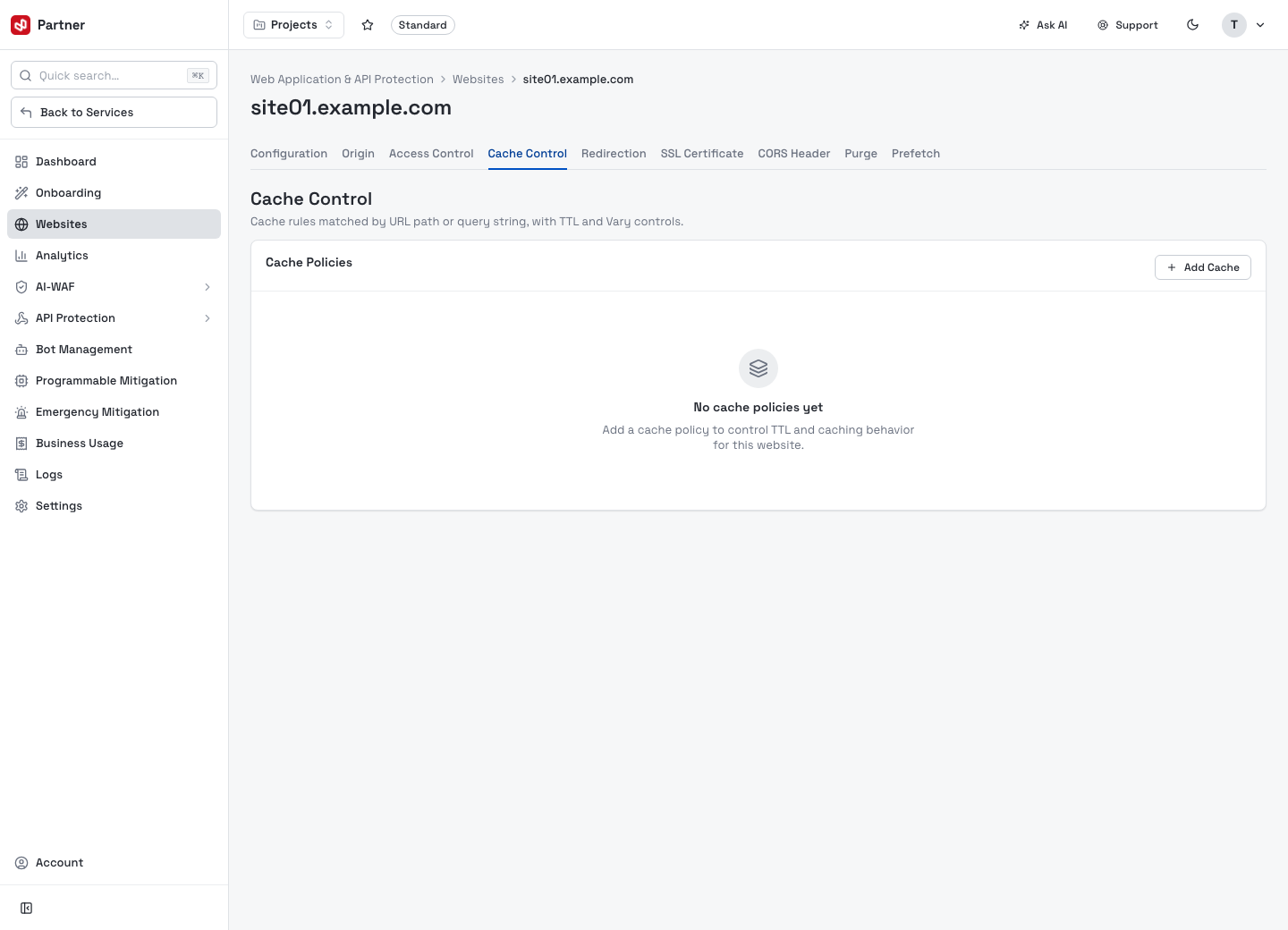
Rules for what the edge caches and for how long — cache by file type/path, honour or
override origin Cache-Control, and set TTLs.
Redirection
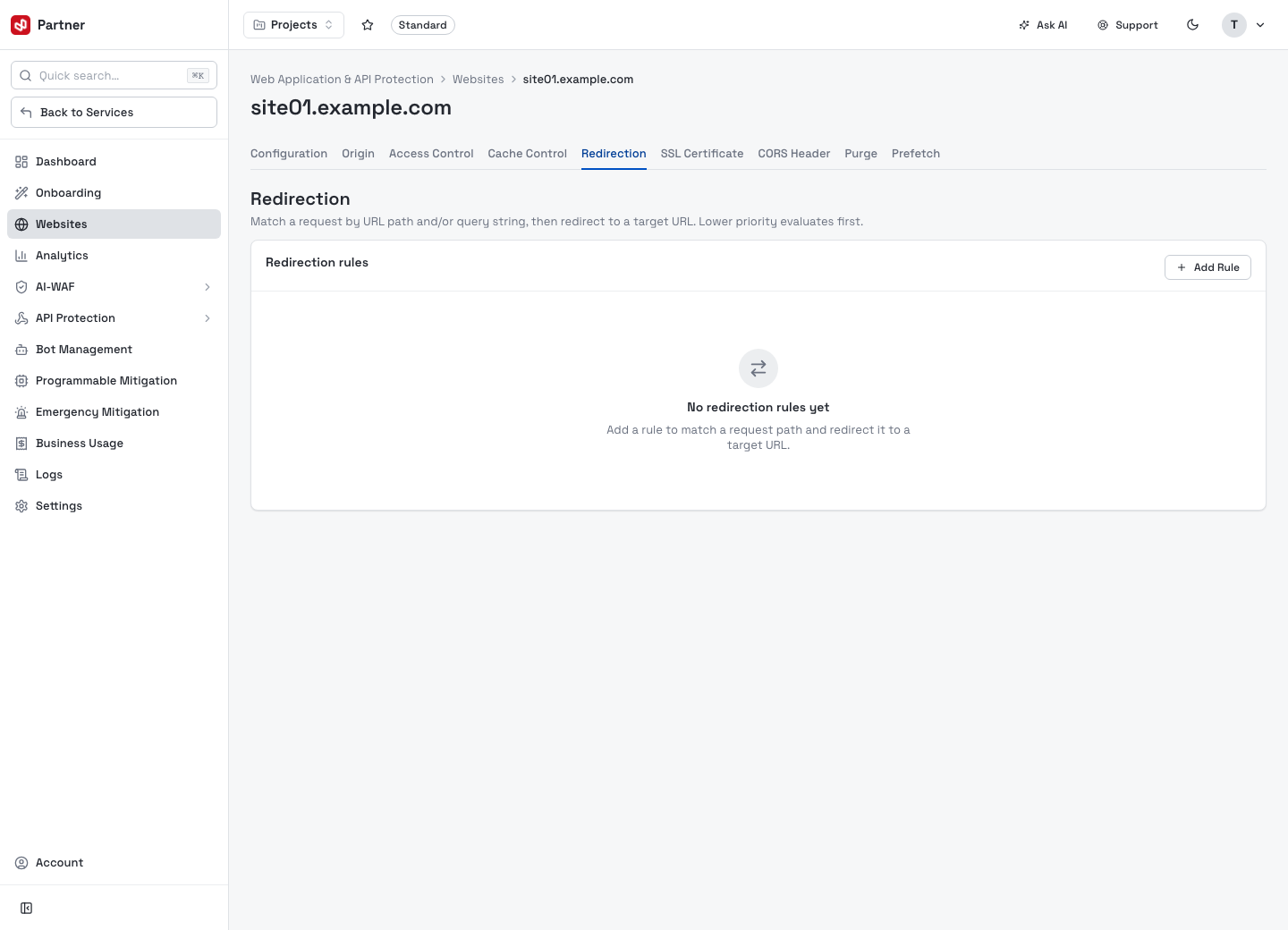
URL redirect rules applied at the edge (e.g. path/host rewrites and 301/302 redirects).
SSL Certificate
Provision or attach the TLS certificate the edge terminates for this domain.
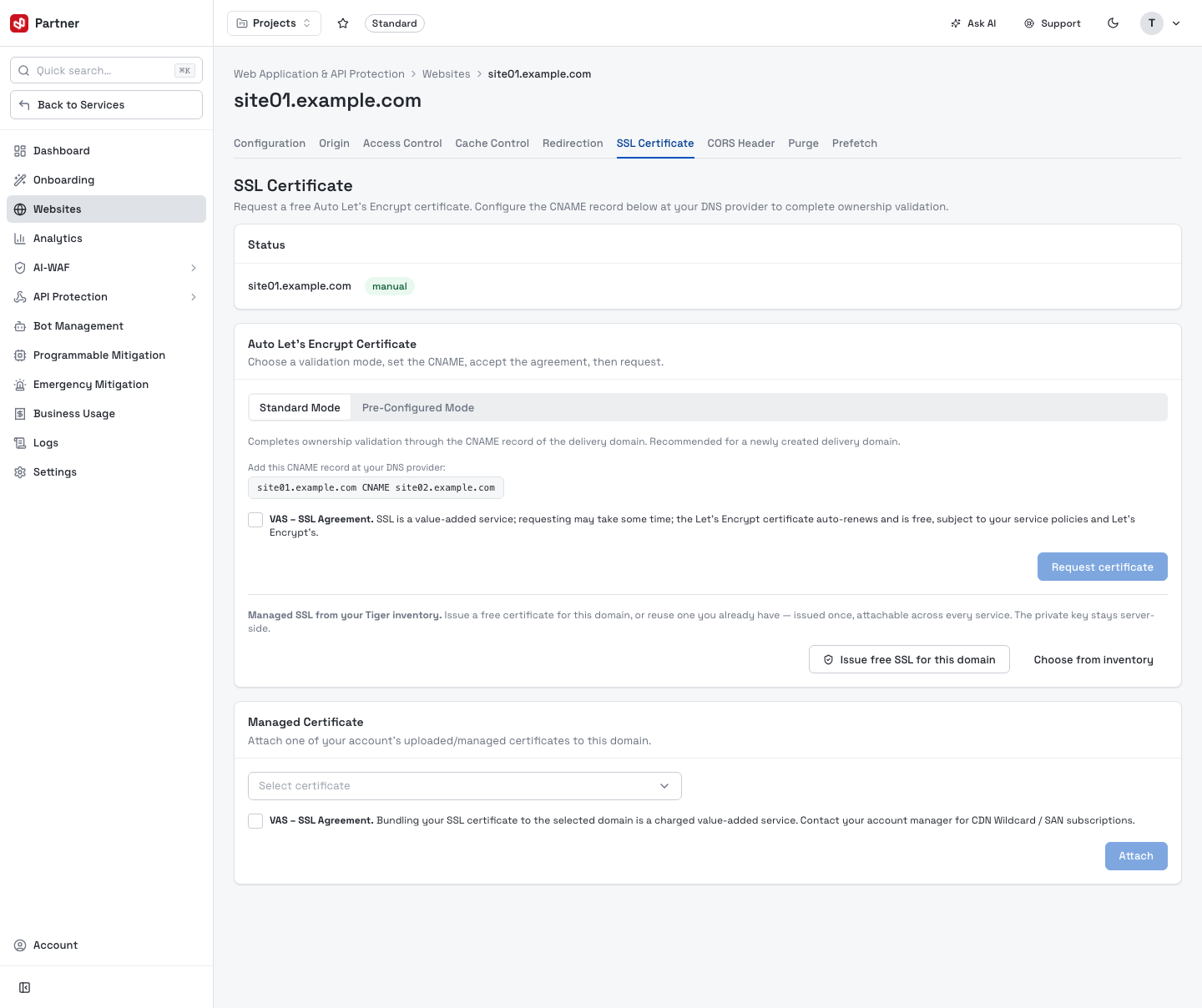
- Auto Let's Encrypt Certificate — request a free auto-renewing certificate; choose Standard or Pre-Configured mode and add the shown CNAME at your DNS provider to complete ownership validation, accept the agreement, then Request certificate.
- Managed SSL — issue a free SSL for the domain or choose from inventory (reuse a certificate already issued; the private key stays server-side).
- Managed Certificate — attach one of your account's uploaded/managed certificates.
CORS Header
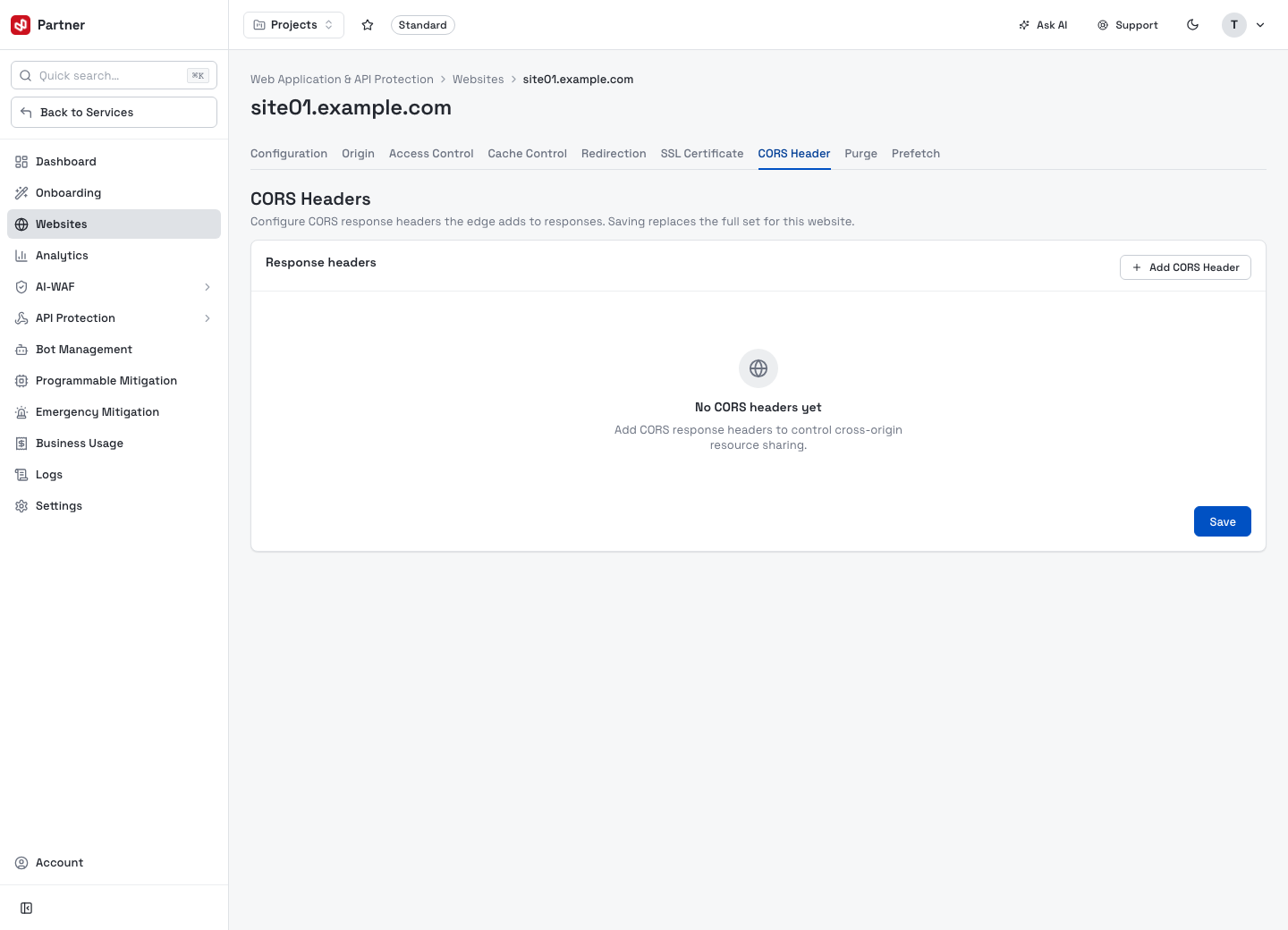
Configure the cross-origin resource sharing (CORS) response headers the edge adds (allowed origins, methods and headers).
Purge
Invalidate cached content so visitors get the latest version.
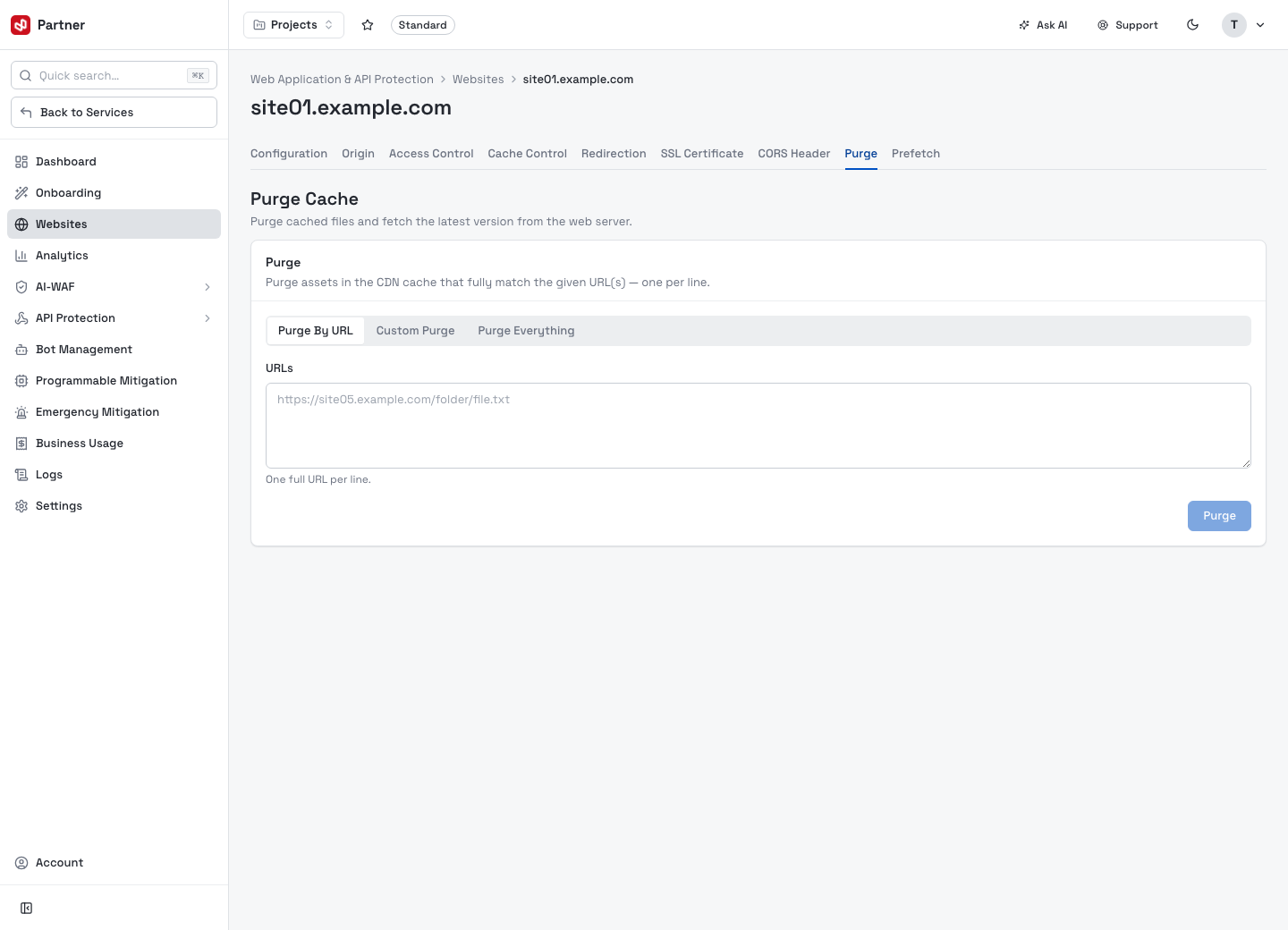
Three modes: Purge By URL (one full URL per line), Custom Purge (by pattern), or Purge Everything. Purge after publishing an update so the edge refetches from origin.
Prefetch
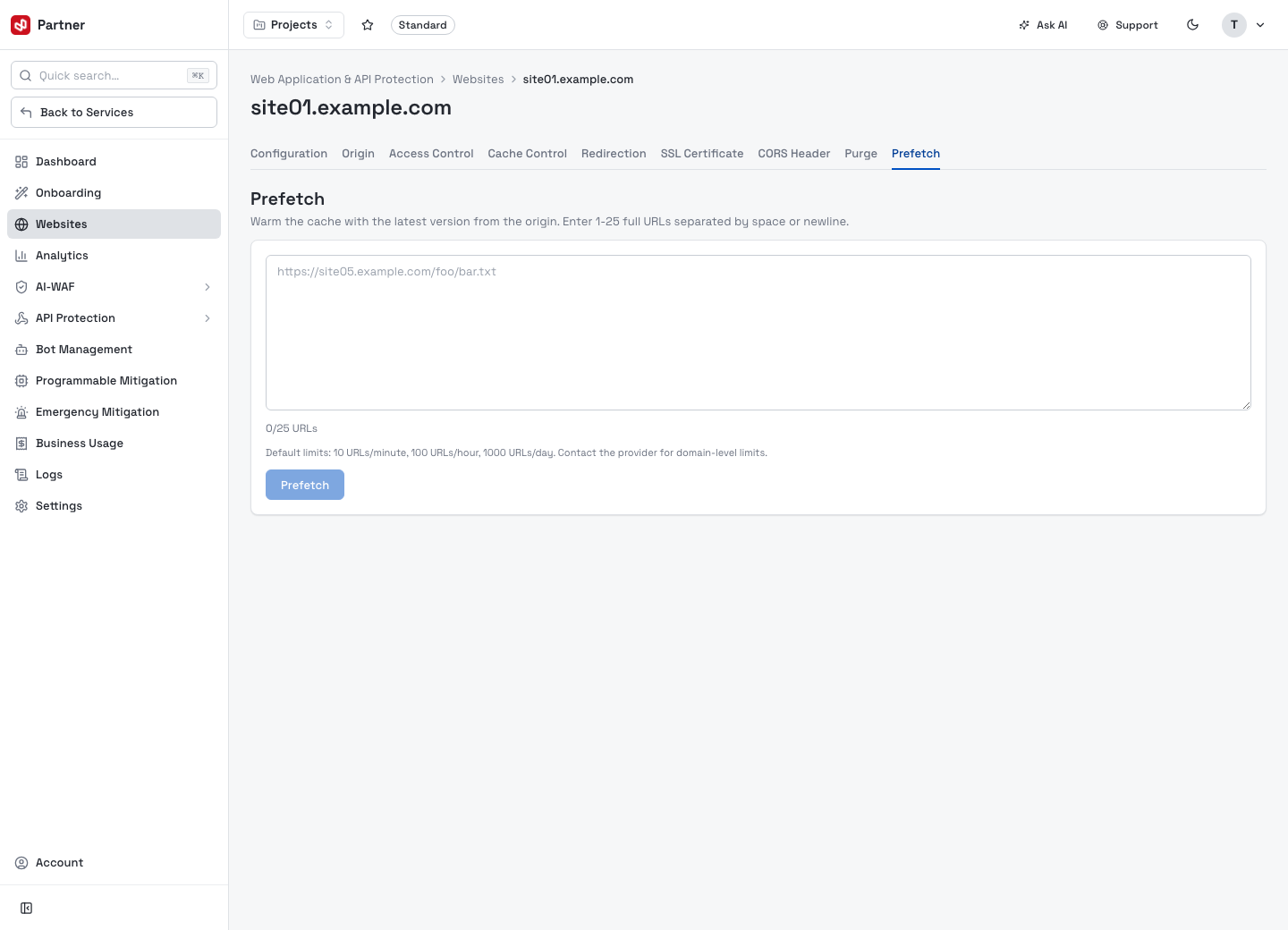
Warm the cache ahead of demand by prefetching URLs into the edge, so the first visitor gets a cache hit.