Incidents
An incident is opened when a monitor meets one of its alarm conditions. The Incidents page is the operational queue — every alarm event your monitors raise, to acknowledge and resolve.
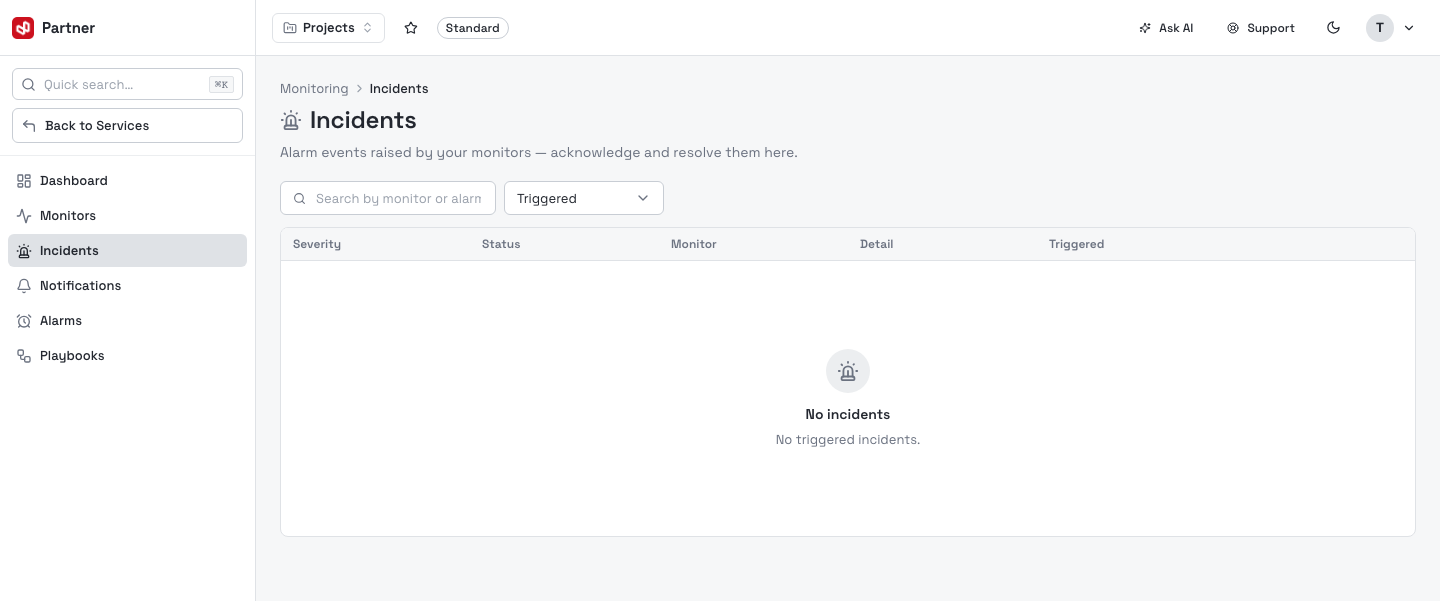
Columns: Severity (info / warning / critical), Status (triggered / acknowledged / resolved), Monitor, Detail (the alarm name and event summary), and Triggered (relative time). Search by monitor or alarm name, and filter by status.
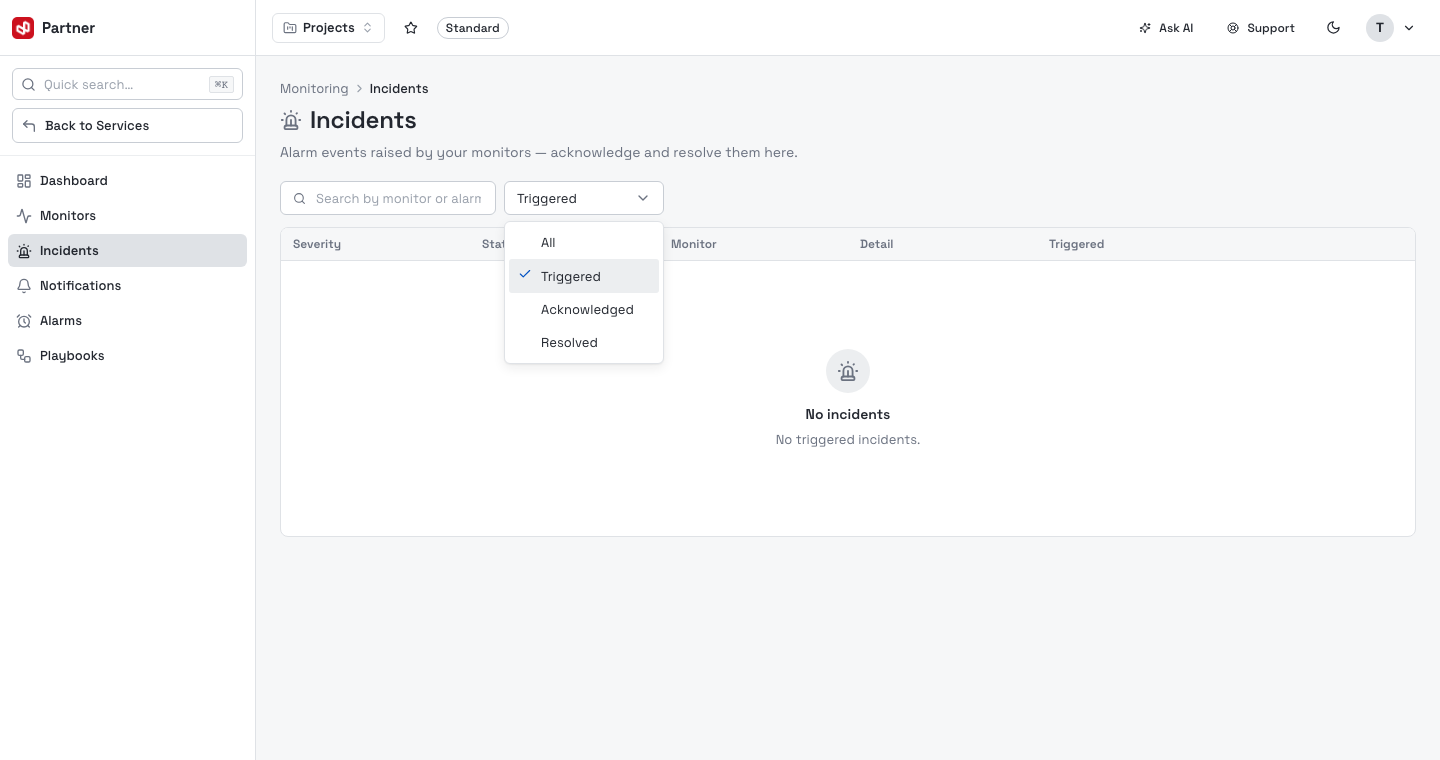
Acknowledge & resolve
Each incident moves through a simple lifecycle:
| Status | Meaning | Action |
|---|---|---|
| Triggered | Just raised; nobody owns it yet. | Acknowledge — signal you're on it (stops it looking unattended). |
| Acknowledged | Someone is investigating. | Resolve — close it once the underlying issue is fixed. |
| Resolved | Closed. | — |
Open the row menu to Acknowledge a triggered incident or Resolve one that isn't already closed; click a row to open its full detail. Resolving an incident doesn't change the monitor — it recovers on its own next healthy check.
The Dashboard's Active incidents panel is a shortcut to everything still awaiting acknowledgement, so on-call can triage without opening this page.