Login Interface
The SGuard login page provides secure access to the email security platform with the following interface:
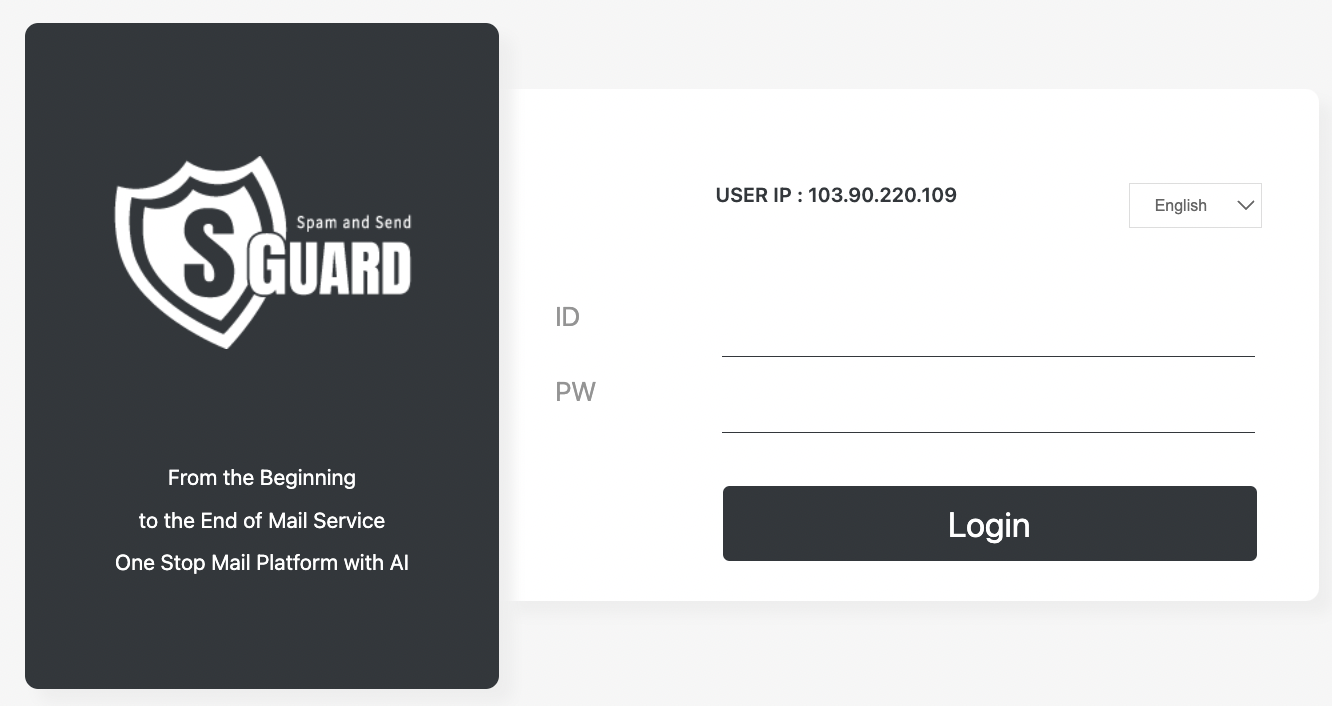
Interface Components
User IP
Displays the IP address information used by the system administrator to access the platform.
Language
Allows selection of interface language during login.
Currently supported languages:
- English
- Korean
- Japanese
- Vietnamese
- Chinese
Login Credentials
Username: Enter the provided username
Password: Enter the password provided by the administrator
Password Reset
When logging in for the first time, you will be required to change your password.

Enter your new password and confirm it. Then click Change Password to be redirected to the login page.
tip
If you forget your password, you must reset it. Please request support from the administrator.